
School Labels to Print: 10 Creative Templates!
The start of the school year is a time for a fresh start and for the kids to show off their new school supplies.
This article is intended for anyone who is looking for School labels to download, edit, and print, as well as for anyone looking for creative ideas for school labels, real role tests and tricks for prevent labels from peeling off very quickly.

To help parents organize everything with style and creativity, as well as professionals who work with personalized souvenirs. I have prepared a Label Guide and a amazing selection of 10 school label templates to print out and edit. With these labels, you can customize:
- backpacks,
- notebooks
- and various materials
At the end of this article, you'll find label templates to download, how you can personalize it yourself, what paper and what impressor to print school labels
Materials needed to create school labels
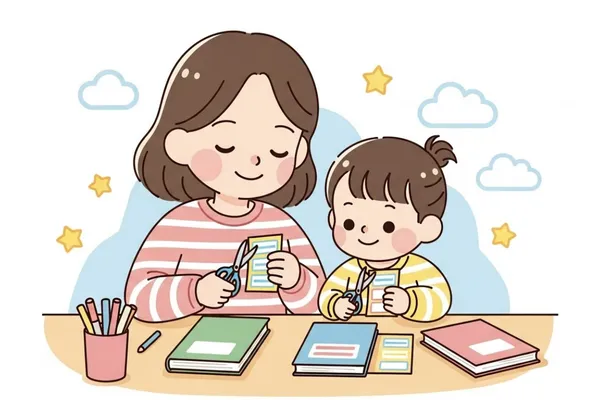
Making labels can be a fun and creative activity for both you and the children. But to get started it's essential to have the right materials: Paper, Printer, Miscellaneous Materials and the correct application of labels so they don't peel off
Which paper is best for school labels
The best paper for school labels is adhesive photo paper in weights between 80g and 120g or vinyl/BOPP adhesive, They are suitable for inkjet printers. These are papers with excellent image quality and you can find them in both ordinary and waterproof versions.
Which printer is best for printing school labels
In practice, all the professionals who make personalized school labels use the inkjet printer with ink tank, Epson Eco tank, because it's cheaper, many people have one or know someone who has one, it prints in high resolution, it doesn't release ink, it accepts adhesive photo papers and adhesive vinyl.
Other materials needed to make school labels
In addition to the paper and printer, other important items are: Scissors; Paper cutters to cut out the round labels and Homemade laminators which are easy to use and provide an extra layer of protection to the labels, increasing their durability and not letting them fade easily.
How to edit and print school labels
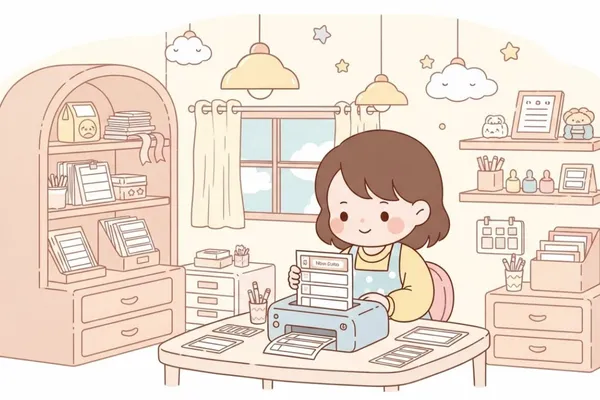
To edit and print school labels you can use designer tools such as Canva, Corel Draw or Studio by Silhouette. Of these three, Canva undoubtedly stands out because it's free and easy to use.
How to use Canva to edit labels
O Canva It's the tool I recommend today for anyone who isn't very familiar with design software—whether you're making labels for your kids or want to do this professionally.
So, to make your first labels, follow the steps below:
- Go to Canva and search for “school labels”.
- Choose a ready-made template or create one from scratch in the size of your label.
- Edit the text (child's name, class, phone number), choose colors, fonts and designs.
- At the end, download in PDF (high quality) to print on adhesive paper.
10 school label templates
Now that you know the papers, the printer and how to edit in Canva. Let's take a look at the 10 cute and different school label templates I've found for you. (Download link at the end of the post).
In the meantime, be sure to check out the right sizes of school labels before printing so you don't waste paper by printing incorrectly.
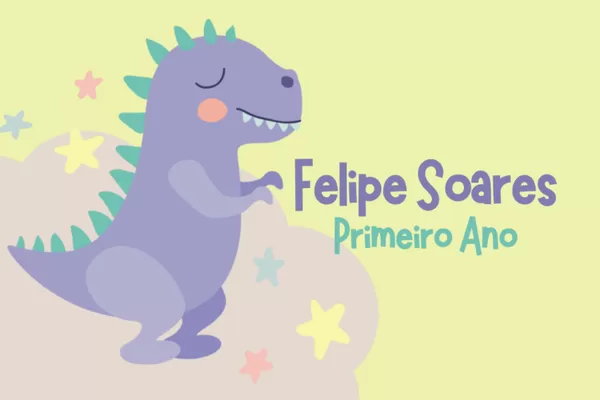
Model 1 - Dino Cute
ideal for children from pre-school up to the first year, as at this stage they are not so keen on choosing famous characters.
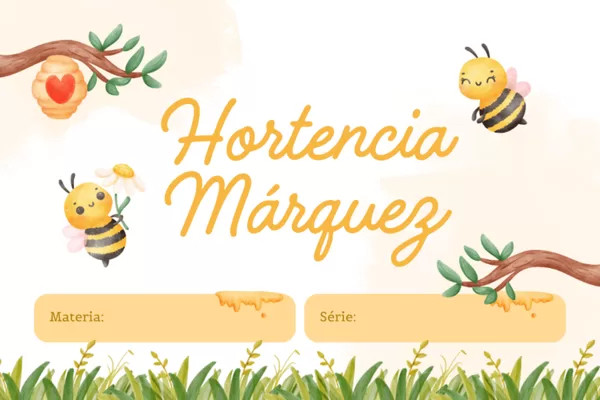
Model 2 - Beehives
This model is perfect for girls from pre-school to first grade.
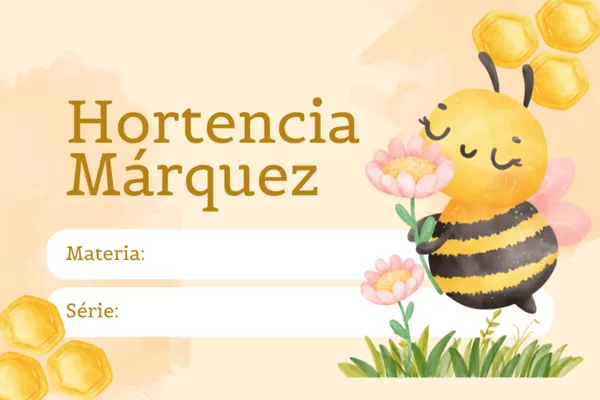
Model 3 - Bumblebee and honeycomb
This school label template can be used together with template 2, for example: use it on lunchboxes and backpacks, while the other one is used on books.
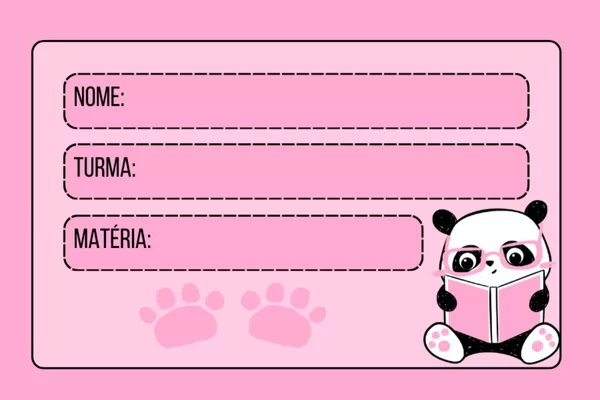
Model 4 - Pink panda bear
Template for labeling school materials for children up to grade 3
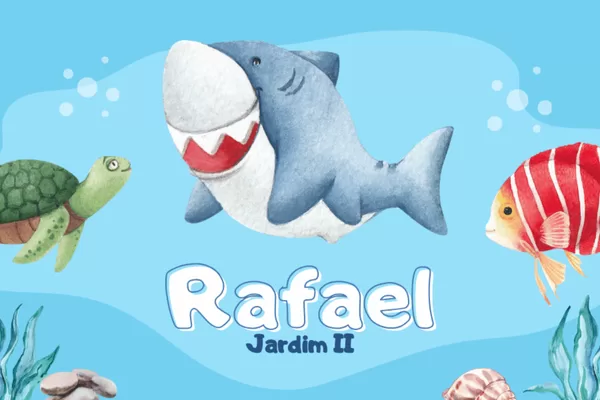
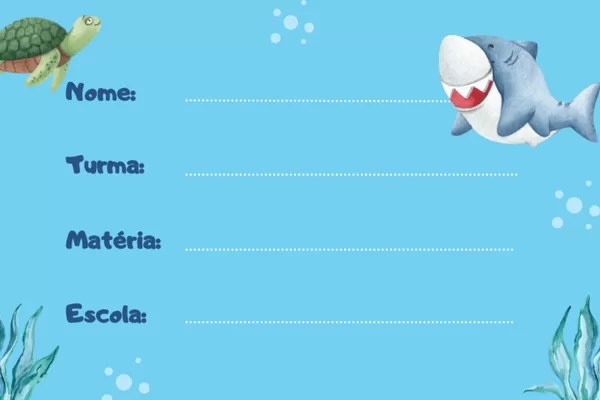
Model 5 - Seabed
If your child is in kindergarten to third grade, they'll love this seabed theme.
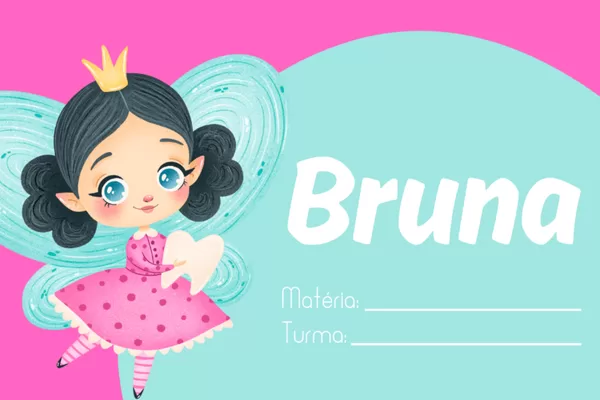
Model 6 - Cute Ballerina
People will be delighted with this school label template featuring this ballerina
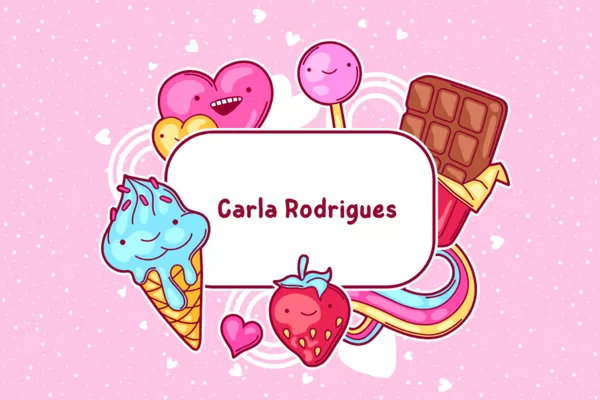
Model 7 - Treats
I'm sure you've never thought of this kind of school label with treats. But it's very cute and colorful, just the way kids love it.
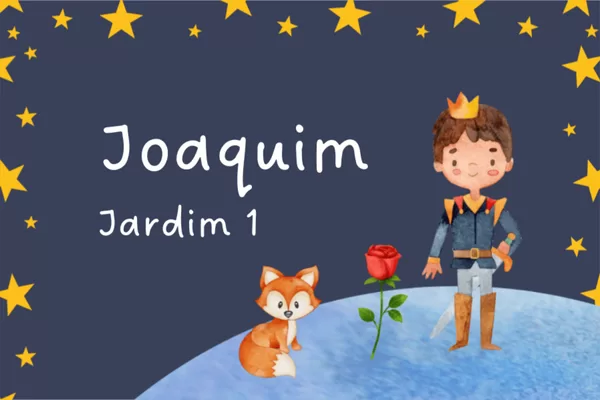
Model 8 - Little Prince
This template is a classic and can be used in the materials of children from kindergarten to third grade. You can use the first one in front of the books and the second one inside the books.
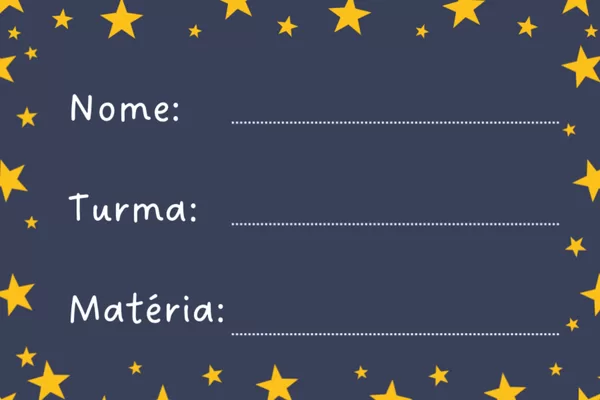
Model 9 - Pirate
This is a model that I think is very cool and different from everyone else at school.
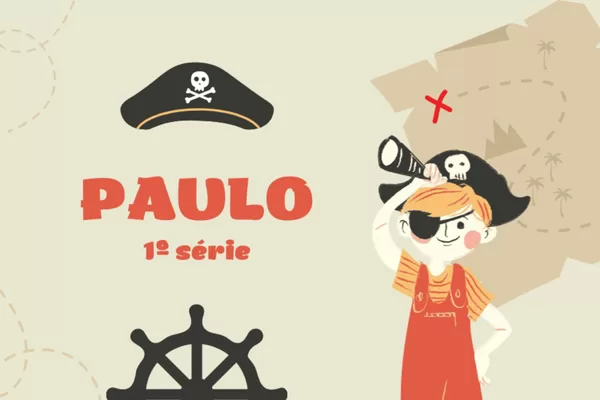
Model 10 - Superhero
A classic, I think this is the model most used by children.
Download these files to edit
Now that you know how to make school labels, it's time to practice. Click on the link below and open the files in Canva and edit them to personalize them with your child's or client's name and grade.

How to earn extra with school labels
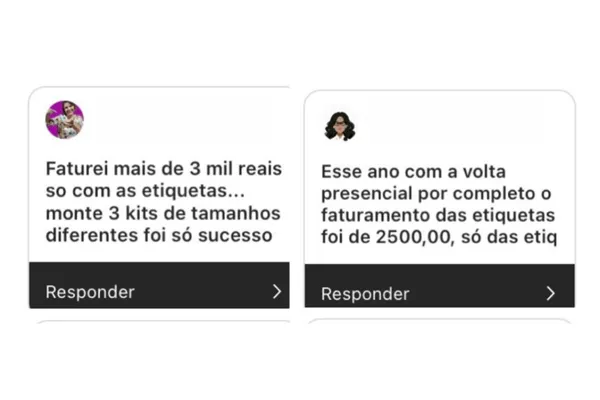
If you want to take advantage of the start of the year to earn some extra income, school labels are a great way to do it. With the right strategy you can earn R$1,000 reais or more.
Just like my School labels course
Conclusion
Everyone knows that the beginning of the year is a time of high spending and school supplies are the ones that have the biggest impact on the budget. However, with school labels you can earn a lot of extra income by selling them to the mothers of your child's friends. I recently wrote an article here on the blog in which I teach the Sales funnel for school labels that you need to read if you want to earn extra income.
Author




 Portuguese
  English
  Spanish