
What Nobody Tells You About Printers for Party Favors: A Beginner's Guide!
You want to work with custom stationery, but you're stuck on the first decision: Which printer should I buy for party favors?
This question keeps almost every beginner up at night, and the internet only makes it worse, because it’s full of information that’s just copied from manufacturers’ spec sheets—information that has no basis in reality and ends up misleading the reader.
Read this article all the way through, and I'll explain which printer is best.
Why should you listen to me?
Because everything you're about to read here about printer for custom items, comes from more than 12 years of experience as an entrepreneur in this industry, where custom printing is a routine activity. And that gives me the authority to speak about actual costs, mistakes, and successes.

My name is ANA CLAUDIA and I've always loved crafts.
Since 2012, when I had to move to a new city and couldn’t work outside the home because I didn’t have anyone I trusted to watch my two young children, I started making personalized items. What began as just a way to earn some extra income and feel useful has turned into a profitable business in personalized items. Today, I’m dedicated to mentoring professionals in the personalized stationery industry so they can get orders every week.
Find out what you need to get started with Custom Stationery at home and take the first step by making my Free Course on Personalized Party Favors
A quick answer to the question of which printer to buy for party favors.

That will depend on how much you have to invest, but after you've purchased several printers, I recommend that you follow these guidelines:
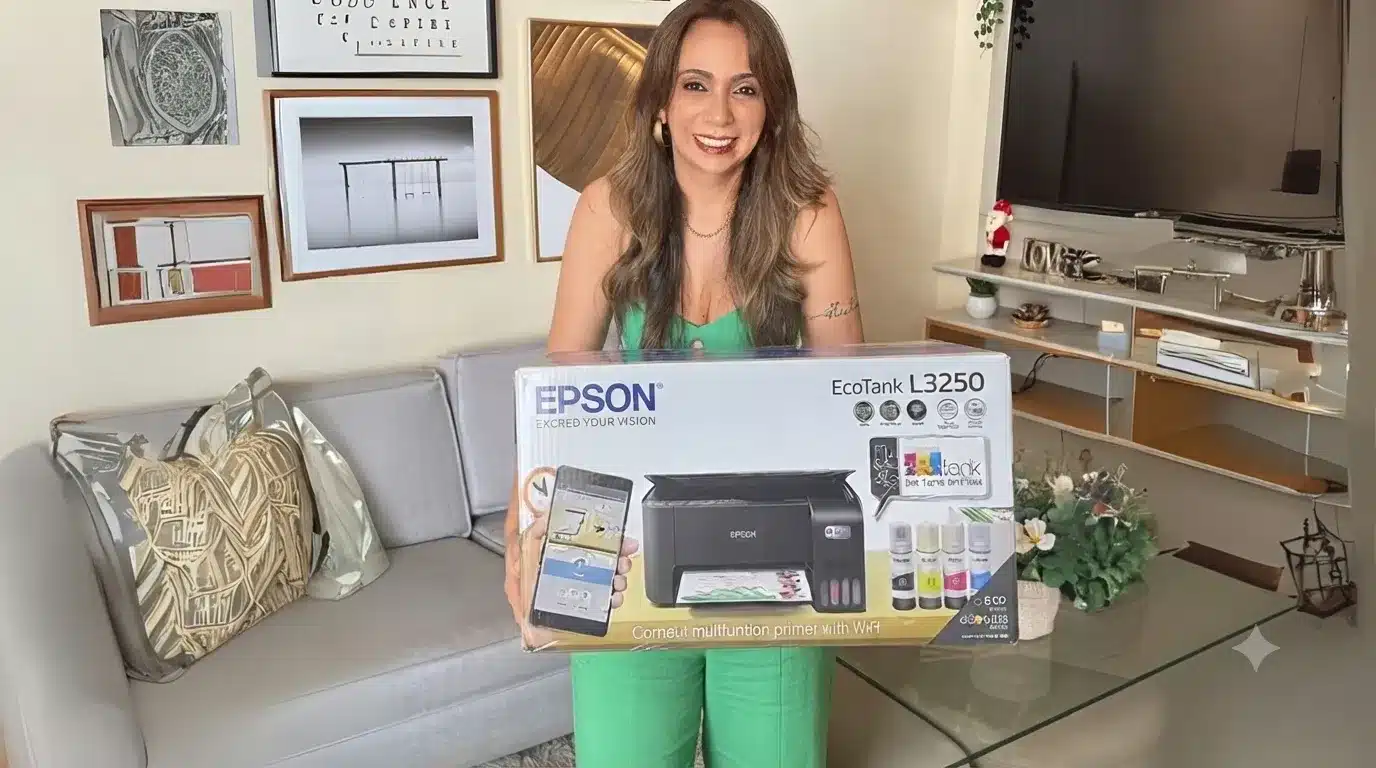
- You're just getting started and don't have much to invest: Epson L3250 or Canon Mega Tank G3110 or G4111.
- It offers good value for your investment and you're looking for high quality: The Epson L8050, which uses 6 colors, offers the best print quality and supports paper weights of up to 300 grams as standard.
Any of these printers is a good choice. But here's the catch that nobody tells you about.
What Really Matters in a Custom Printer
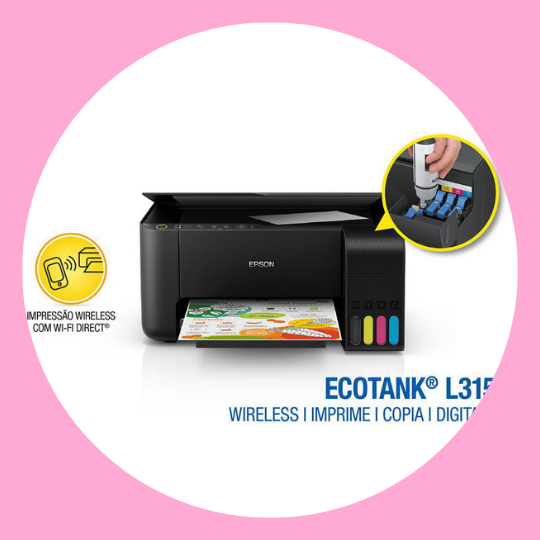
For personalized stationery, you don't need some high-end printer or anything special and expensive. Any inkjet printer will do, with just one requirement: She needs to have attached ink tank, such as the Epson (Ecotank) and Canon Mega Tank lines
Printer for Party Favors: Comparison Chart: Printer vs. Paper vs. Cost
| Model | Ink | Front and back | Weight in Practice | Best for |
|---|---|---|---|---|
| Canon G3110 | 4 colors | Manual | up to ~210g | Beginners |
| Epson L3250 | 4 colors | Manual | up to ~210g | Beginners |
| Epson L4260 | 4 colors | Automatic | up to ~210g | Beginners |
| Canon G3160 | 4 colors | Manual | up to ~210g | Beginners |
| Epson L8050 | 6 colors | Manual | up to ~300g | There's more to invest in |
Learn How to Choose the Best Paper for Party Favors
Tip from a professional in the field: The manufacturer recommends paper weighing up to 90g. But anyone who uses these printers every day knows that both Epson and Canon models can handle paper weighing up to 250 grams (even if the salesperson says otherwise). But I recommend using up to 210g and only using the 250g when necessary.
Printers for custom ink tanks or cartridges: the difference that makes a difference in your wallet
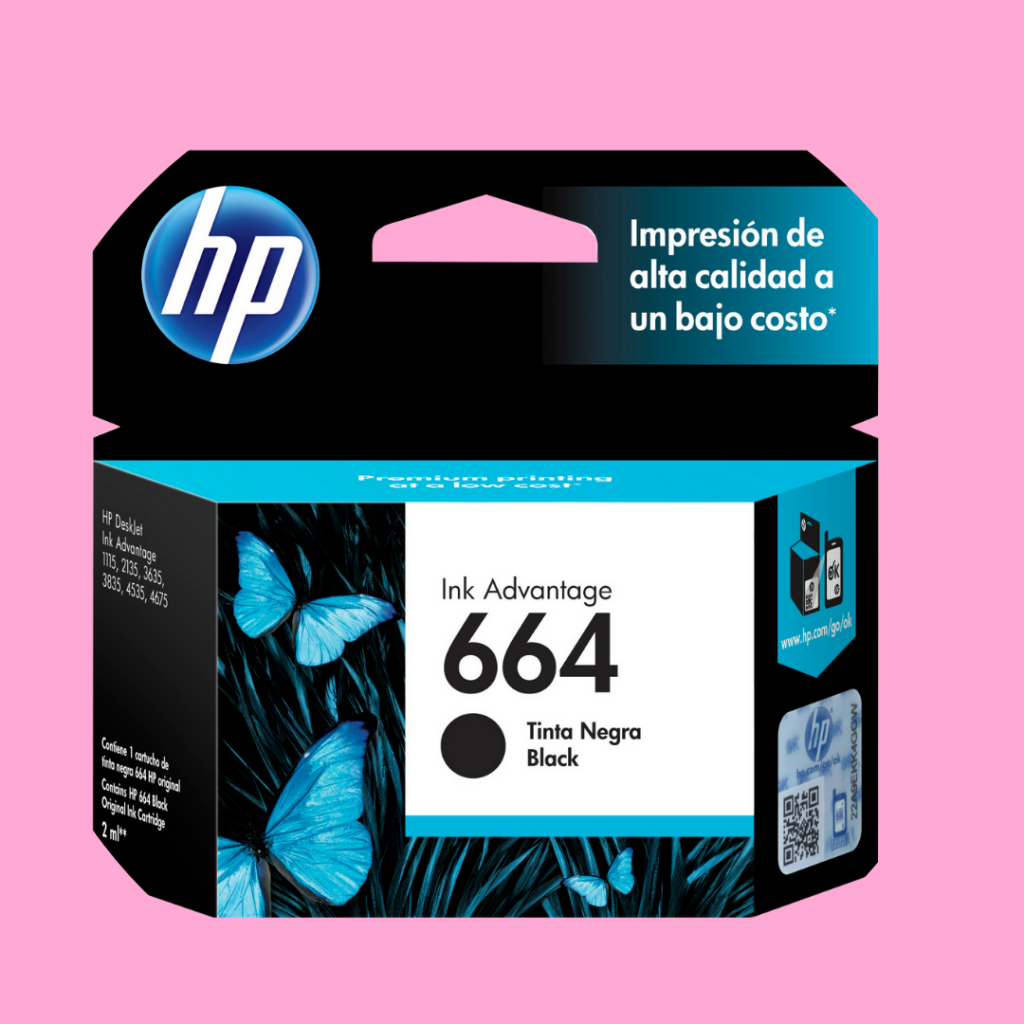

Many people still have a cartridge-based printer at home and aren't sure whether they can use it or if they need a printer with an ink tank instead.
I'll explain the main difference between a custom stationery printer with an ink tank and one with an ink cartridge.
The cost that makes the difference
A cartridge holds a maximum of 6.5 ml of ink, whereas the A refill for a tank-style printer holds 65 ml. That's 10 times more ink than a cartridge.
In other words, for anyone who plans to print this in large quantities This difference has a direct impact on costs and, consequently, on net income.


The True Cost of Printing (and Why Manufacturers Lie About Print Yield)
Here's some information you won't find on any AI platform or other websites. Do you know why? Because they never actually printed it.
I'm sure that when researching best printer for custom items,one thing you noticed besides the price was the number of pages the printer can print with one ink refill or cartridge.
Generally, in the technical specifications, the manufacturer states that it prints 7,500 color pages and 4,500 black-and-white pages.
In real life, it’s not quite like that, because the manufacturers’ estimate is based on prints made on just 5% of paper. And that’s where you’re led to believe something that isn’t true…
What is the ACTUAL print capacity of the printer for custom items?
Contrary to the manufacturers' information, which is based solely on the 5% data sheet, the artwork on the boxes, like a milk carton, take up nearly 80% of a sheet of paper, and of course that means using more ink, so the number of prints will go down.
Below, I've created a comparison table showing the print volume reported by manufacturers versus the actual situation faced by those who work with party favors and print on a daily basis
Actual paint coverage
Pages Printed Per Ink Cartridge: What They Promise vs. What You Actually Get
| Manufacturer | Real life | |
|---|---|---|
| Colorful | 7,500 sheets | 469 pages |
| Black | 4,500 sheets | 261 sheets |
That’s the figure that determines your pricing, not the box number. Anyone who calculates their margin based on the manufacturer’s promised price is operating at a loss without realizing it.
That is the account that determines your pricing, not the box number.
See how huge the gap is between what the manufacturer describes and what actually happens. Anyone who sets prices based on the manufacturer's figures is losing money without even realizing it.
Printer for party favors that cuts: watch out for this confusion
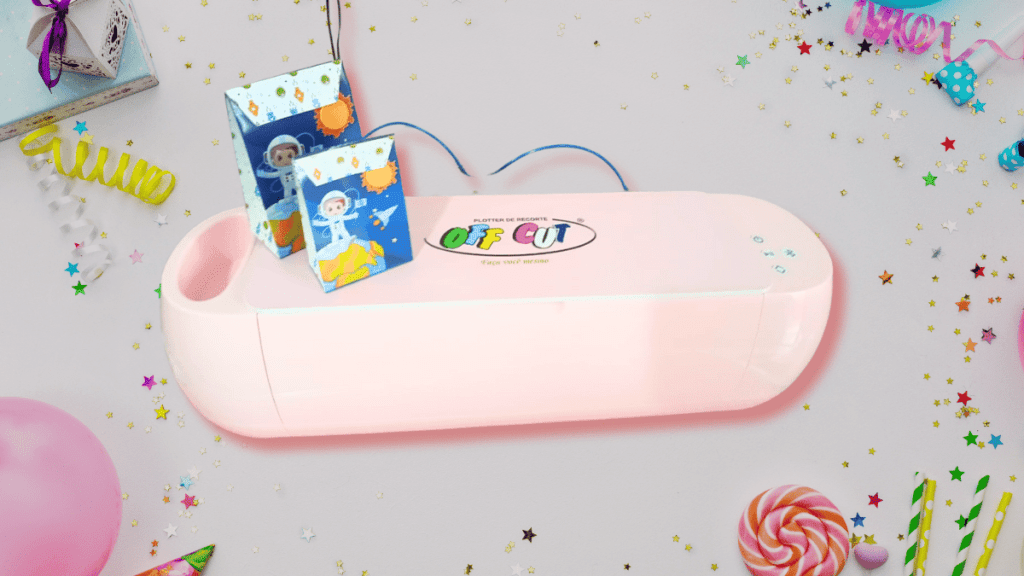
Many people search for “a printer for party favors that cuts” thinking there's a machine that prints and cuts at the same time. I'll be blunt so you don't waste your money: The printer won't cut the paper. The one who cuts is the cutting plotter (such as Silhouette or Off Cut (best value for the money), which is another piece of equipment that looks a lot like a printer but is designed solely for cutting.
The workflow I recommend is: print on your Epson or Canon printer and cut it out on the plotter.
These are two machines with different functions. If your project requires cutting out stickers, cake toppers, or appliqués, the plotter is used after printing—never instead of it.
Common Mistakes When Choosing a Printer for Party Favors (That I See Every Week)
- Buying a laser printer: That's the worst mistake—it doesn't have low printing costs (Stay away from laser printers)
- Buy a cartridge printer for high-volume printing: The cost will eat you alive. (Cartridges are for practice or small orders.)
- Relying on the manufacturer's print count: We've already seen that the difference is huge; use the amount listed here in the article.
- Thinking the printer is jammed: Now you know what a plotter is
- Pricing without knowing the actual cost per sheet: That's the mistake that most often ruins custom businesses.
Practical Tips from People Who Make a Living from Custom Stationery
- Calculate your actual printing cost per sheet before setting your price. That calculation changes your entire margin. (See Lesson 4 on Pricing in the Free Personalized Party Favors Course)
- Use paper with a weight of up to 210g so as not to wear out the printer too quickly. (Learn all about roles in this comprehensive guide)
- Print regularly to prevent the ink from drying in the print head.
- Starting out with no money? Start with what you have. Even with a cartridge printer, you can practice and fulfill orders of up to about 20 prints. For larger orders, use a quick print shop, an internet café, or partner with someone who has a tank-based printer.
The lack of state-of-the-art equipment is no excuse for not getting started.
What's the best printer for party favors for beginners?
Without a doubt, any Epson EcoTank!
Let me explain why…
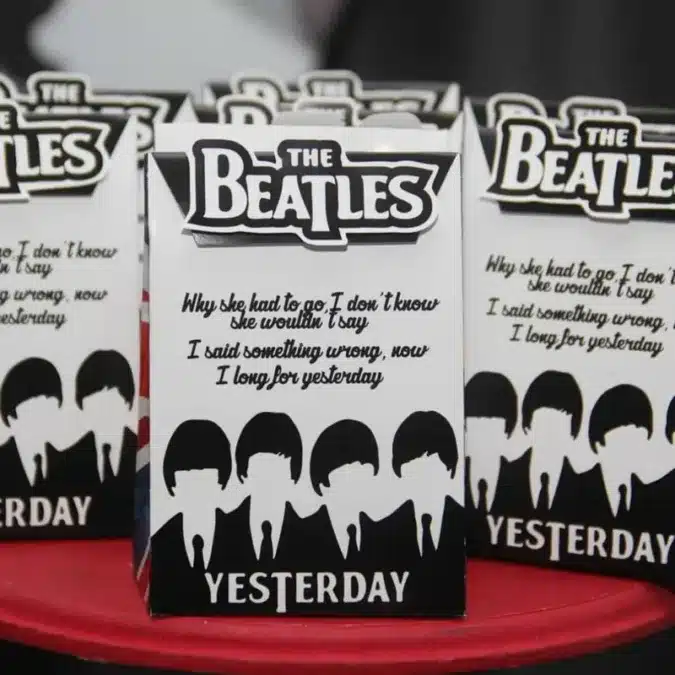
One day I received a Beatles-themed package, for about 15 years, when the art was black 80% and the printer was a Canon Mega Tank G4111, which I had, It only gave me a “Faded” black”. And no matter how much I tinkered with the settings, it just wouldn't work right—and it wasn't just me; my students reported the same problem. However, when I printed the same artwork on my other printer, the Epson L3250, the black came out perfectly.
My honest opinion: Both printers are great, but when printing mostly in black, the Canon Mega Tank falls short of the Epson Ecotank. (This is information you can only find here because I've been working in this field for a long time.)
“The Canon Mega Tank falls short of Epson when we need to print artwork that uses mostly black ink. “
Conclusion
However, it’s important to know that the number of prints isn’t the same as what’s listed in the manufacturer’s technical specifications. If you’re just getting started and don’t know how to calculate the number of pages your printer can print, use the numbers I’ve listed here in this article or use my Pricing Spreadsheet.
Now, if you want to know how to sell your party favors strategically, Follow me on Instagram and go to my WhatsApp Group: SECRET ROOM where I share weekly sales tips.
Quick Questions and Answers
What's the best printer for getting started in the custom stationery business?
Without a doubt, the Epson Ecotank L3250
Does the printer for custom items cut the paper?
No, the cutting plotter is what cuts the paper. The printer just prints the boxes.
What is the actual print capacity of a custom printer?
There are about 469 sheets printed with colored ink and 261 with black ink, based on the Epson L3250 and Canon Mega Tank G-3110 through G-4111 models.
Can I use a cartridge printer?
Sure, for practice or small print jobs (up to about 20 prints). For large-scale printing, the cost of the cartridge makes it unfeasible, so it’s worth switching to an ink tank system.
What paper weights do these custom printers support?
The manufacturer recommends up to 90g, but in practice, Epson and Canon can print on paper up to 250g without any problems. Still, I recommend using paper weighing up to 210 grams.
Epson or Canon—which is the best printer for custom prints?
Both are good, but Epson has the edge because it produces better print quality when the artwork is predominantly black.
About the author





 Portuguese
  English
  Spanish